Shorts cutter
Finds strong moments in your video and cuts several finished 9:16 clips with optional captions.
One long video becomes several clips for YouTube Shorts and TikTok.From your own video, in one workspace – for YouTube and TikTok. Plus captions, script and AI clips for the next video. No editing team, no ten subscriptions.
Free account with 150 credits to get started (once per person) · no payment details required · plans cancel monthly
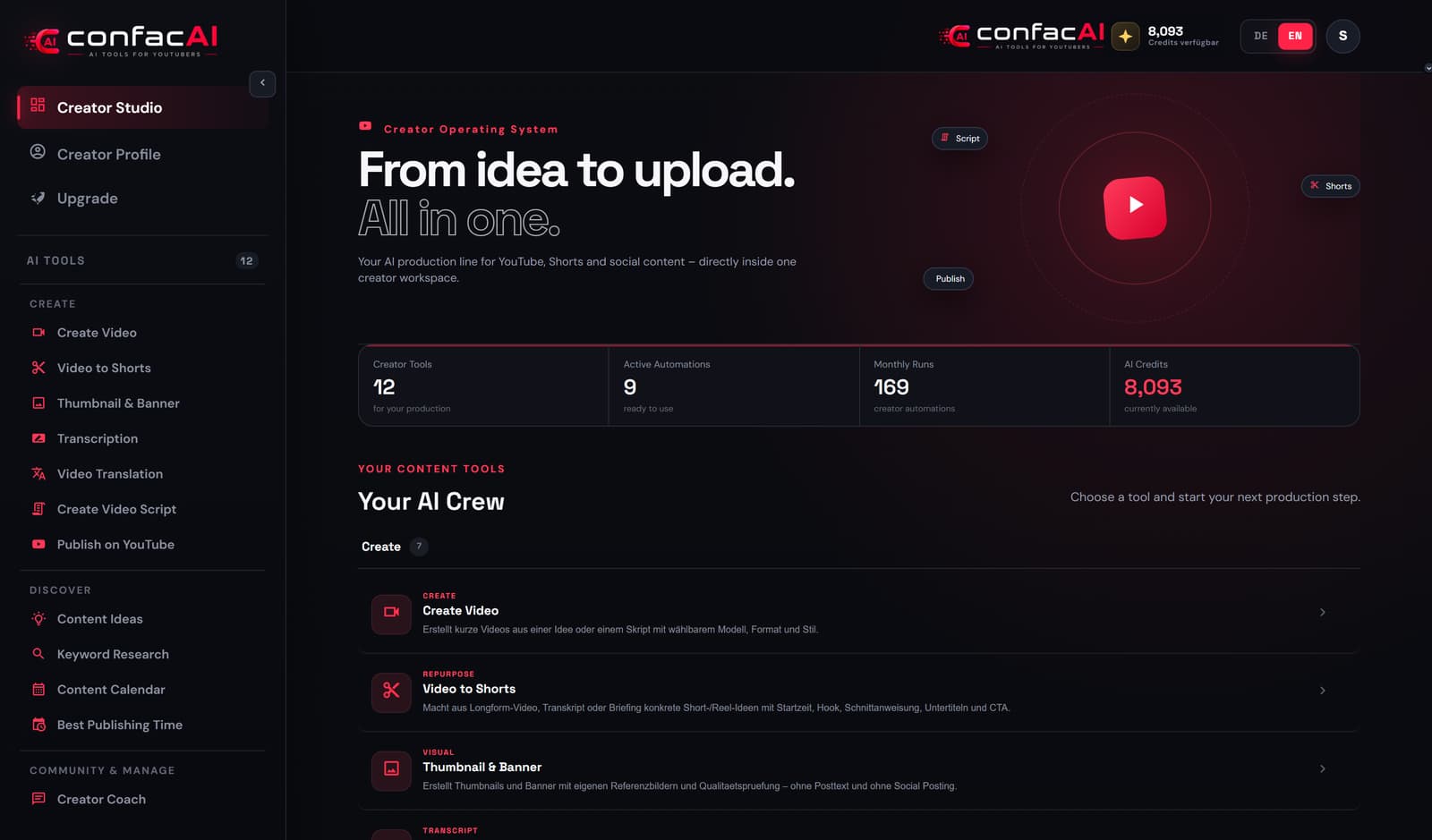 Real screenshot

The video is shot – and then the invisible work starts: cutting shorts, adding captions, building a thumbnail, maybe a second language. confacAI takes over exactly these steps, from your own footage.
Two areas: get more out of footage you already have and produce something new.
You upload your video – confacAI turns it into material for YouTube and TikTok.
Finds strong moments in your video and cuts several finished 9:16 clips with optional captions.
One long video becomes several clips for YouTube Shorts and TikTok.Creates thumbnails and banners, optionally from your own reference images; revisable with AI.
Several packaging variants without a design program.Ad images and short ad videos for your product – from ready-made templates, your description or your product page.
For your shop, social media and ads, in the right format.Translates the speech in your video and lays a new voice track underneath; music and ambient sound stay intact.
The same video reaches viewers in more languages.Turns audio or video into a clean transcript, optionally with timestamps and a short overview.
The basis for captions, descriptions, blog posts and quotes.When the next video is still taking shape.
Writes a complete YouTube script with hook, chapters and spoken text from topic, duration and speakers.
You never start from a blank page.Generates short AI videos from an idea or a script, with a selectable model, format and style.
B-roll, scenes and intros without a shoot or a separate video tool.Uploads your own video and changes a chosen section with AI.
Adjust one scene without reshooting the whole video.Turns up to 4,000 characters into an AI voice recording; pick a voice, download the MP3.
Voiceover for clips and explainers, no microphone needed.Replaces every speaker in your clips with an AI voice of your choice; content, emphasis and music stay.
One voice for all your clips, no new recording.Four steps that build on each other – from the plan to finished clips for YouTube and TikTok.
Set up channel, audience, language and style once. From then on every tool knows your context – you never have to explain it again.
The script comes out of your briefing – no blank page to start from.
You shoot your video yourself – or add AI clips and voice recordings from confacAI.
The finished video becomes shorts, a thumbnail and versions in other languages – every result can be revised instead of restarted.

Every AI production costs credits. Where they came from decides whether they are still there at the end of the month.
Your plan includes a monthly allowance. At the start of each billing month it is topped back up to the amount agreed in your contract – not added on top.
Credits you buy on top are yours for good. They sit in your account separately from the plan allowance.
Order of use: your monthly plan allowance is spent first, purchased credits second. That way as little as possible expires – your purchased balance stays as a reserve.
One plan for your monthly base volume, top-ups for production peaks. All tools are available on every plan.
You decide with every production how to use your allowance.
Each example assumes that the entire monthly allowance is used for this one production type. Model, resolution, duration and optional features can change the actual usage.
Buy additional credits whenever you need them. Package prices are the same on every plan, and purchased credits never expire.
Top-up prices apply on every plan. Purchased credits do not expire.
All prices include statutory VAT.
confacAI is young. Instead of made-up quotes and star ratings, this page lists what you can verify yourself before signing up – in the product, in the legal pages or right in your browser.
Who is behind thisAnd the testimonials? They will appear here once the first creators have worked with confacAI for a while – with their name, their channel and their consent. Until then this space stays empty rather than being filled with invented voices. Already using it and happy to share your experience? Get in touch.
That depends on where they came from. The monthly allowance from your plan is reset to the amount agreed in your contract at the start of each billing month, so unused plan credits expire. Credits you buy on top of your plan never expire and add up.
Your monthly plan allowance is used first, purchased credits second. That way the credits that would expire anyway are spent first and your purchased balance stays as a reserve.
It depends on the tool. Text and planning runs are cheap, image and video generation cost considerably more. The workspace shows the credit cost of each run on the start button before you trigger it.
No. You can buy credits on the Free plan too, at the same package price as on a paid plan.
Yes. Basic, Creator, Studio and Studio Max run month to month and can be cancelled at the end of the billing period. Credits you already bought stay in your account after cancelling.
No. You simply upload your video.
Create your free account and get more out of your next video – without payment details.
Create a free account